macOS·Windows·Linux·Runs on your local network·No account required
Works with
vMix
Blackmagic Design ATEM
OBS Studio
TSL UMD
Datavideo DVIP
Panasonic AV-HS410
Roland
Vizrt TriCaster
Grass Valley
One computer runs it all
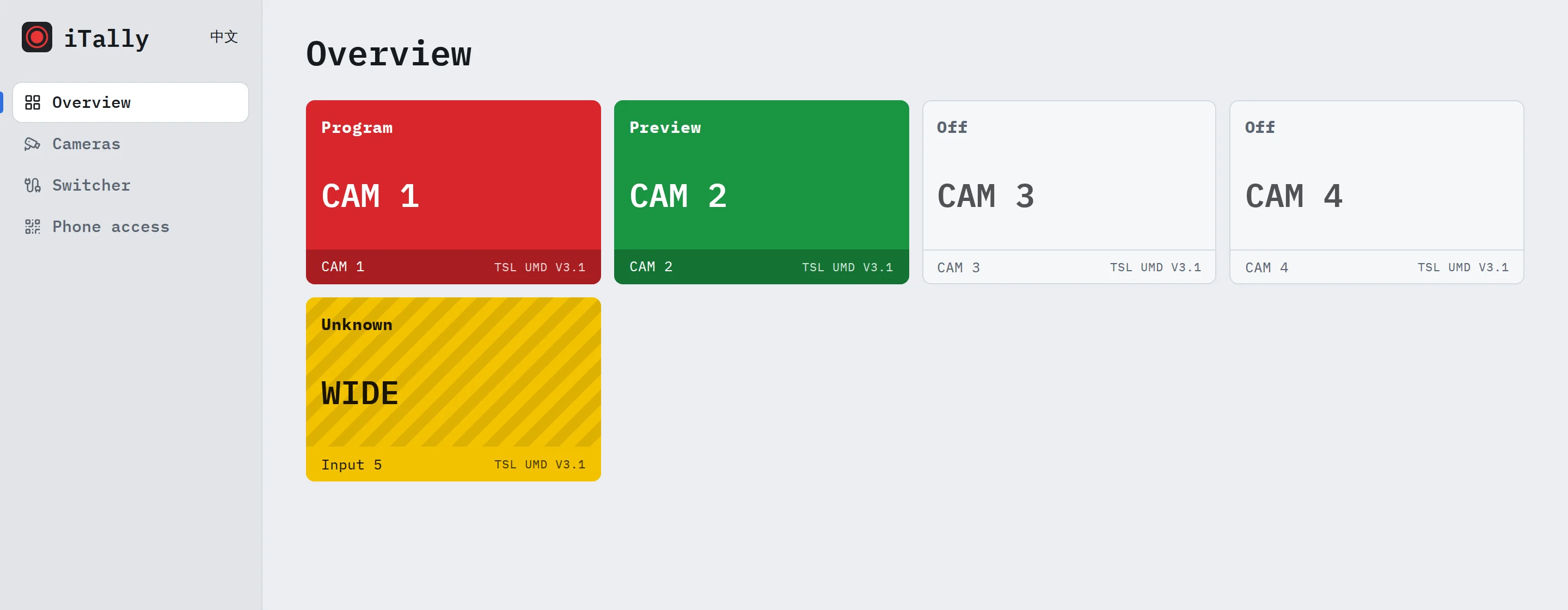
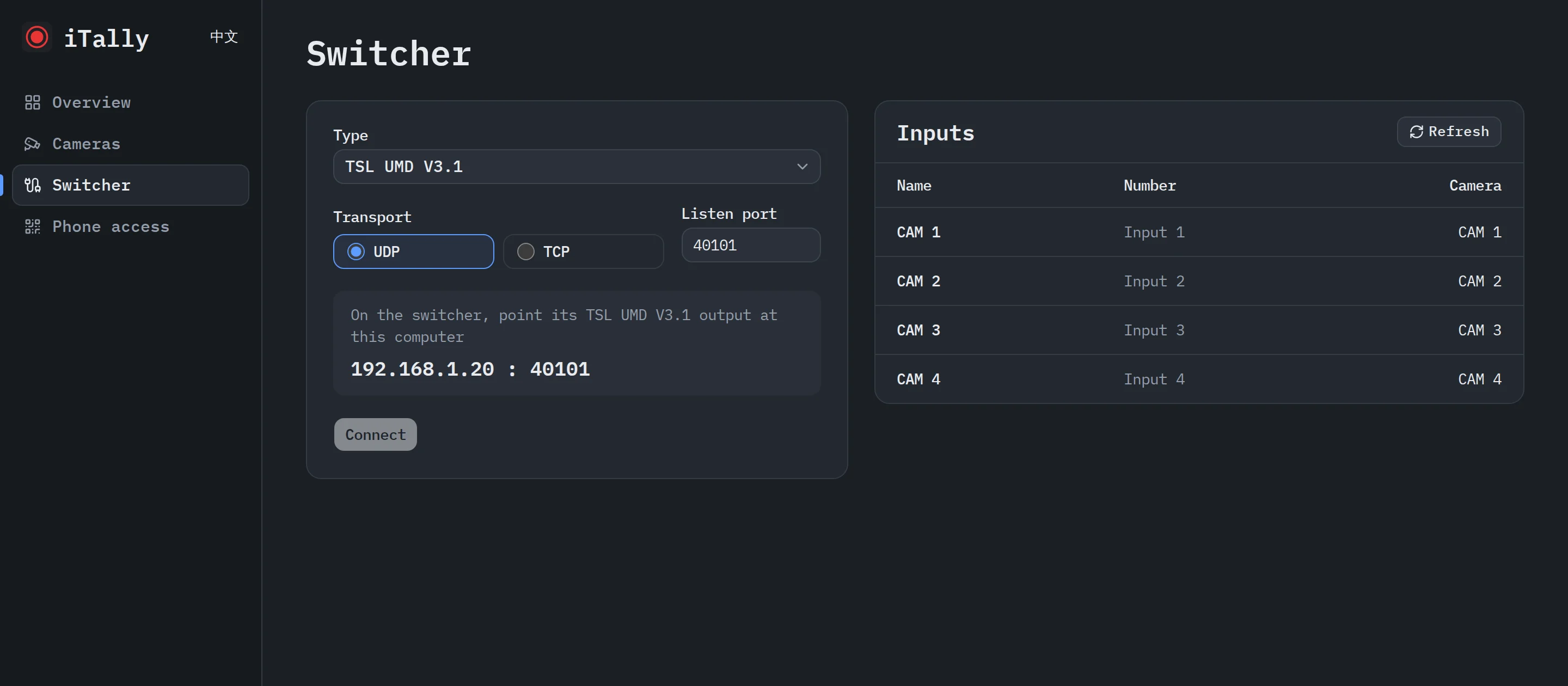
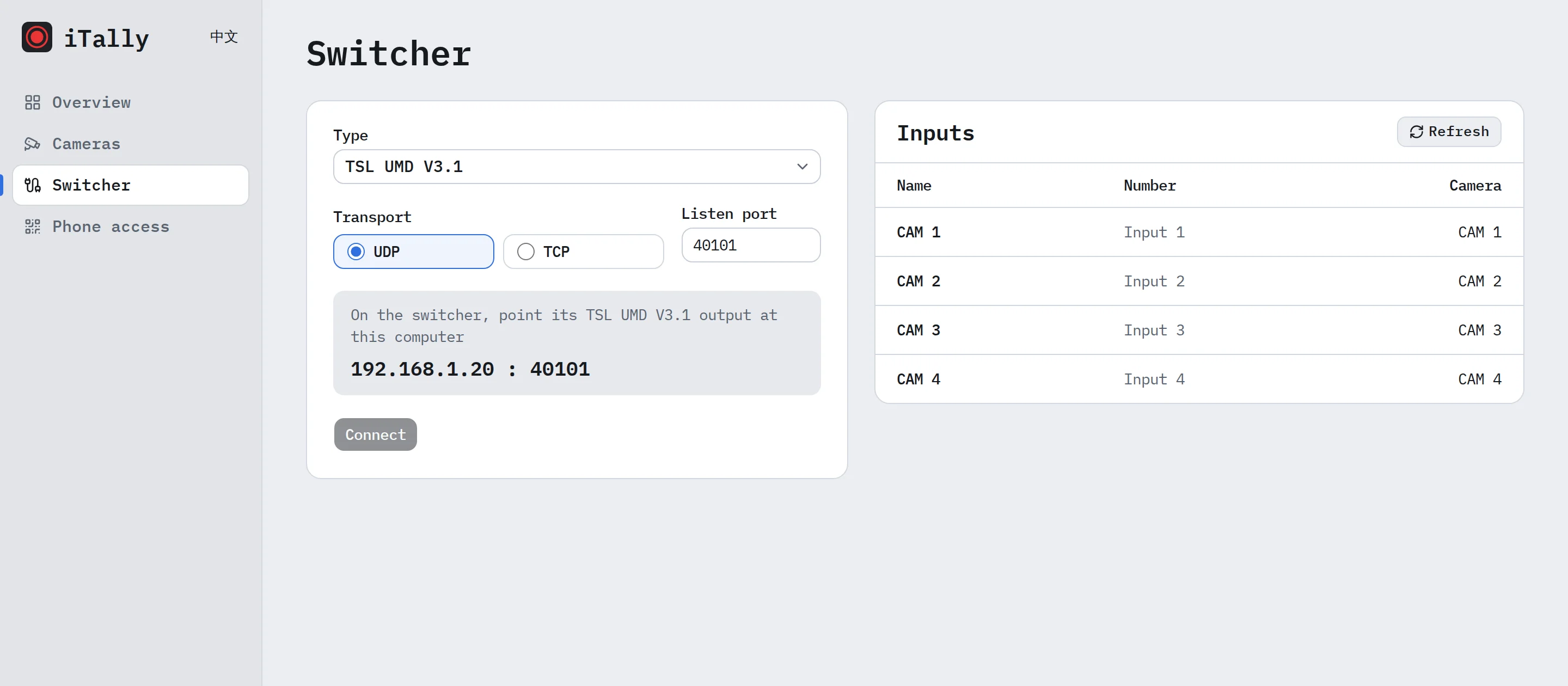
The server runs on a single computer. Choose a switcher, add cameras and assign inputs in the browser console. Changes take effect at once on every screen.
11 switchers and protocols
Including vMix, Blackmagic Design ATEM, OBS Studio and TSL UMD.
One switcher at a time
Settings are saved for each switcher type, so you never set up twice.
Unknown is never Off
When iTally detects a lost connection or missing data, every screen shows yellow Unknown, never Off.
Read-only
iTally only subscribes and queries. It never sends switching or control commands.
Stays on your network
No internet, no account. Your data never leaves the venue.
Protected remote access
The console is local by default. To use it from another computer, turn on Other computers in the launcher and enter the access code.
Supported switchers
One at a time. iTally only subscribes and queries; it never sends switching or control commands.
Switcher
Models
Connection
vMix
Via TCP 8099 subscription; inputs bound by GUID, so reordering or renaming never shifts a camera
Blackmagic Design ATEM
Including multi-M/E models
Via UDP 9910; follows the M/E 1 program output, so cameras in nested M/Es, keys and SuperSource light too
OBS Studio
30 or later
Via obs-websocket 5.x; reads the visible sources in the program and preview scenes
TSL UMD V3.1 / V5.0
Pushed by the switcher
Via a UDP or TCP port this computer listens on; receives only, never sends
Datavideo DVIP
SE-650, SE-700, SE-1200MU, HS-1300
Via read-only queries of the PGM / PST buses
Panasonic AV-HS410
With the HS410_IF plug-in
Via TCP 60040, polling the PGM / PVW buses
Roland Smart Tally
V-60HD, V-160HD and others
Via HTTP queries of each channel's state
Roland VR Series
VR-50HD MK II and others
Via the LAN control port, TCP 8023; the protocol reports PGM only
Vizrt TriCaster
Via TCP 5951, receiving the Program / Preview the TriCaster pushes
Grass Valley
Kalypso, Zodiak, Ross Vision
Via the Contribution Tally protocol, pushed by the switcher to this computer
Over UDP, TSL UMD cannot detect a switcher going offline; see the docs. Each protocol follows the vendor's documentation and has been tested with simulated devices. On-site testing with real switchers is under way.
Get iTally
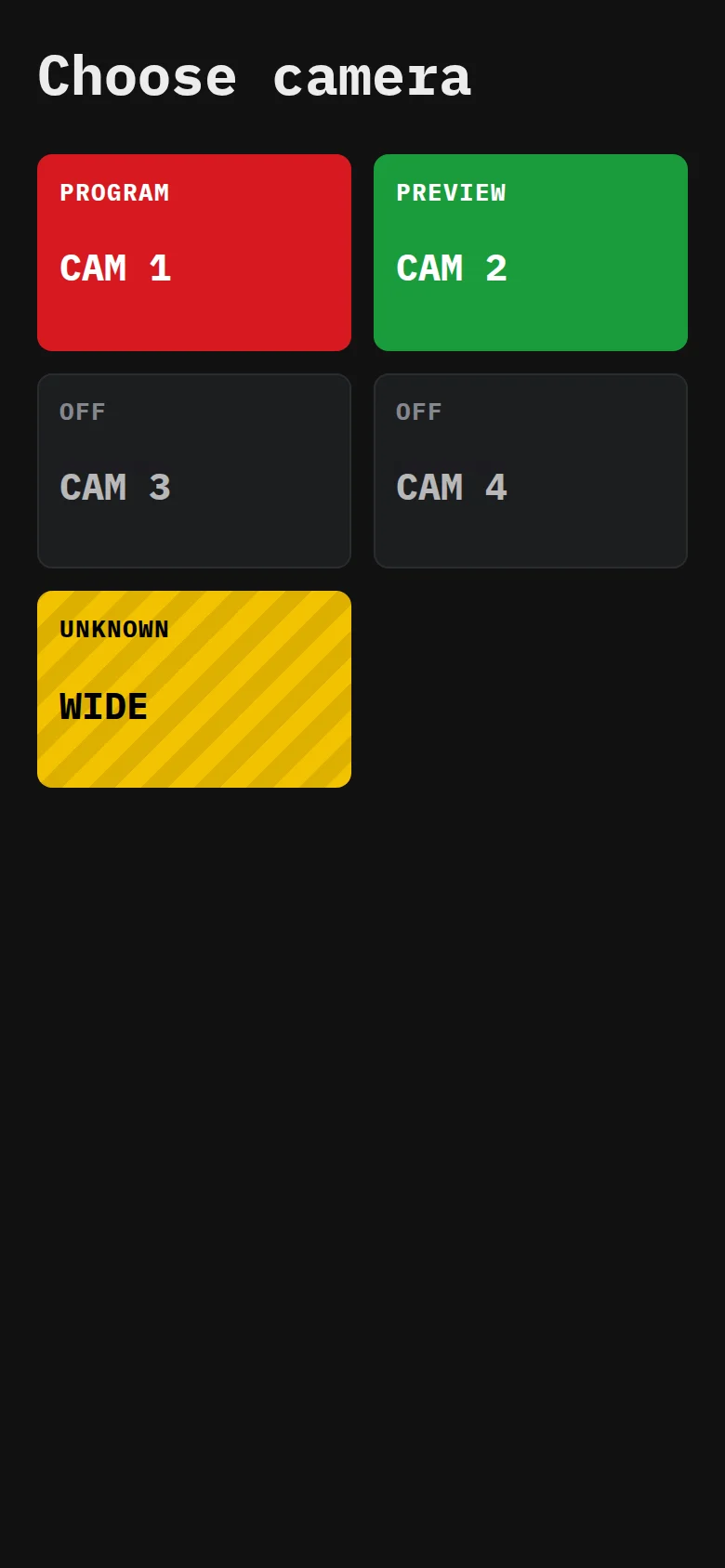
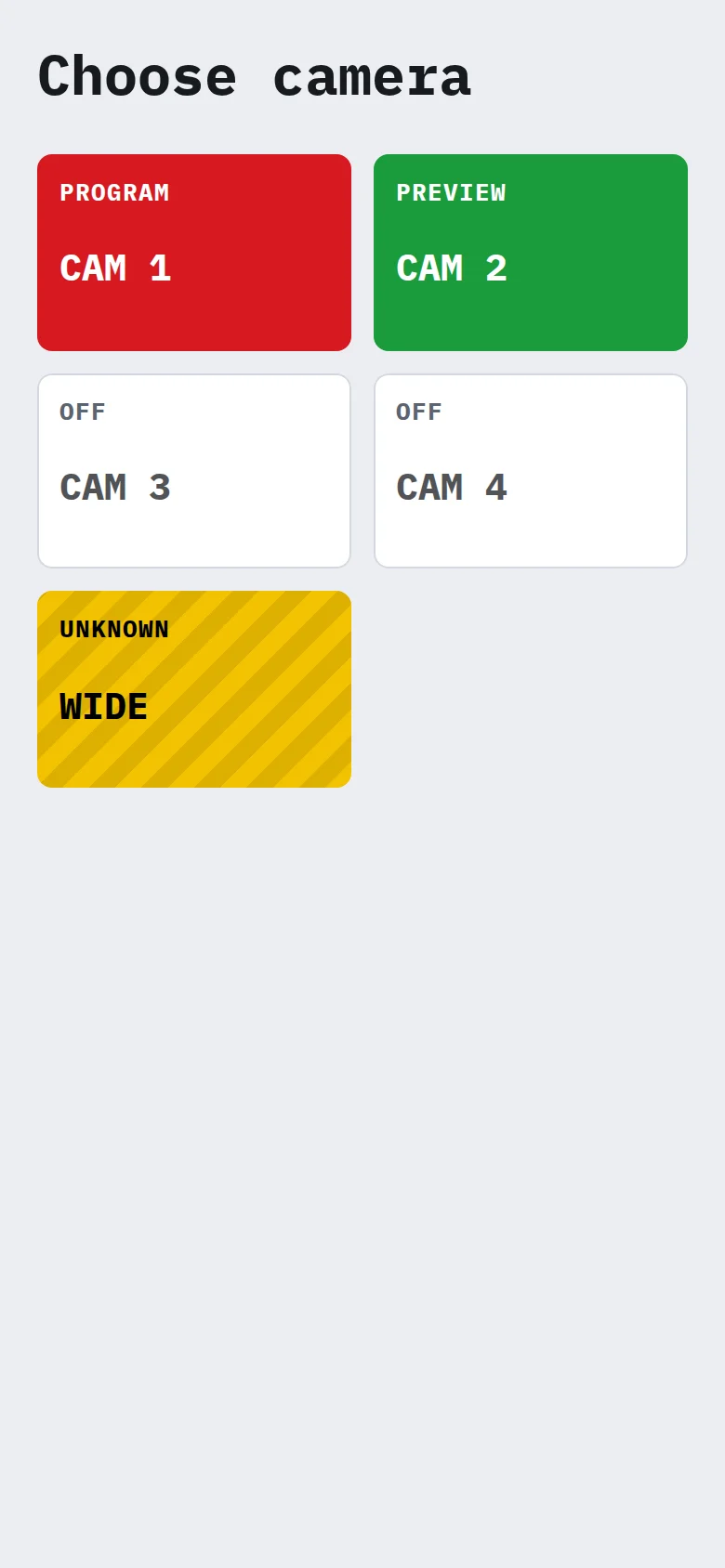
Install the server on one computer, then connect the screens you need. Every screen uses the same colours: red Program, green Preview, black Off, yellow Unknown.
Desktop: server and console
Reads the switcher, hosts the console and delivers tally to every screen. The launcher in the menu bar or system tray installs, starts and stops the service and can start it at login. Closing the browser or the launcher does not interrupt any screen.
macOS
For Apple silicon and Intel. Requires macOS 15 or later.
curl -fsSL https://updates.ahua.space/itally/latest/install.sh | sh
To check your Mac, choose Apple menu > About This Mac and look for Chip or Processor.
Phone web page
No installation needed. Choose a camera on the console's Phone access page, then scan the QR code with your phone camera. On iPhone, add it to the Home Screen.
Ready to use
Choose a camera
Program
Preview
Unknown
Phone web page, actual screens
iOS / Android app
Scan the console's QR code to join. Tally fills the screen, the display stays on, and the app reopens on your last camera.
Coming soon
Apple Watch
The watch connects to the computer on its own, so tally stays on your wrist without an iPhone, with a vibration on every change.
Coming soon
Build your own clients or hardware on the public, read-only API. See the client developer guide.
 iTally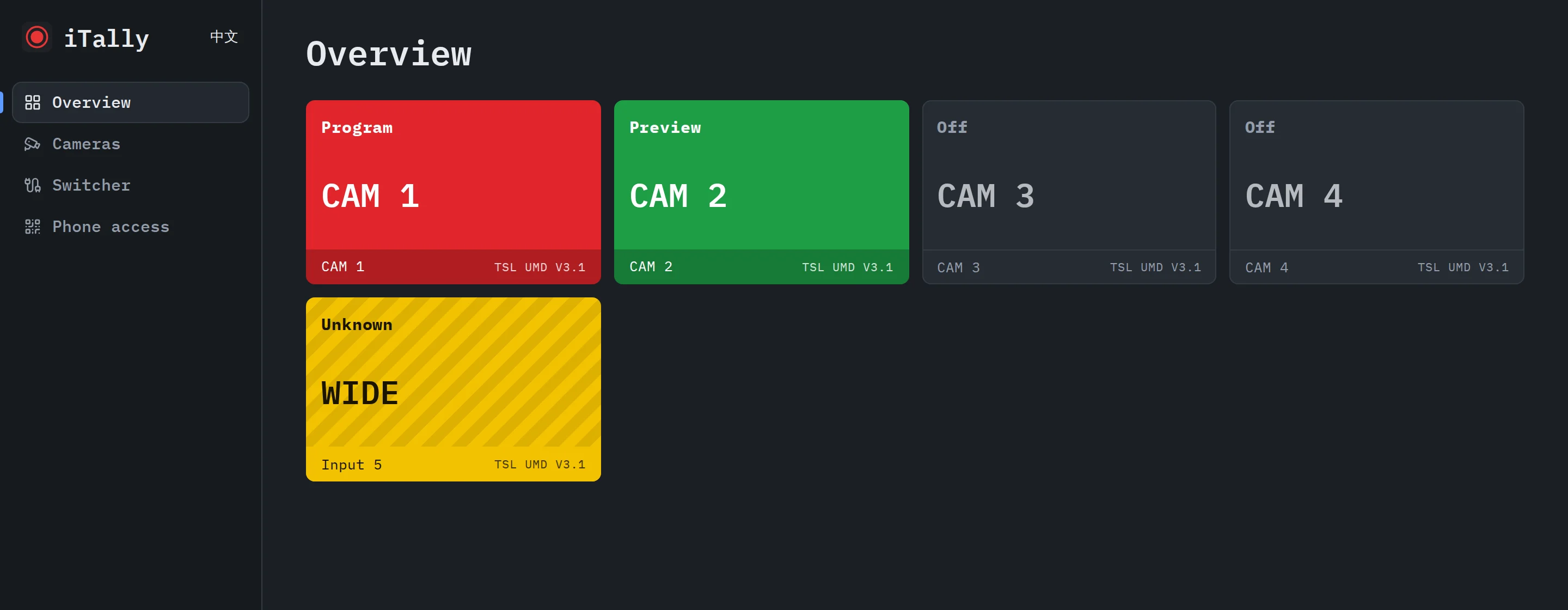
 Choose a camera
 Program
 Preview
 Unknown